Cover page
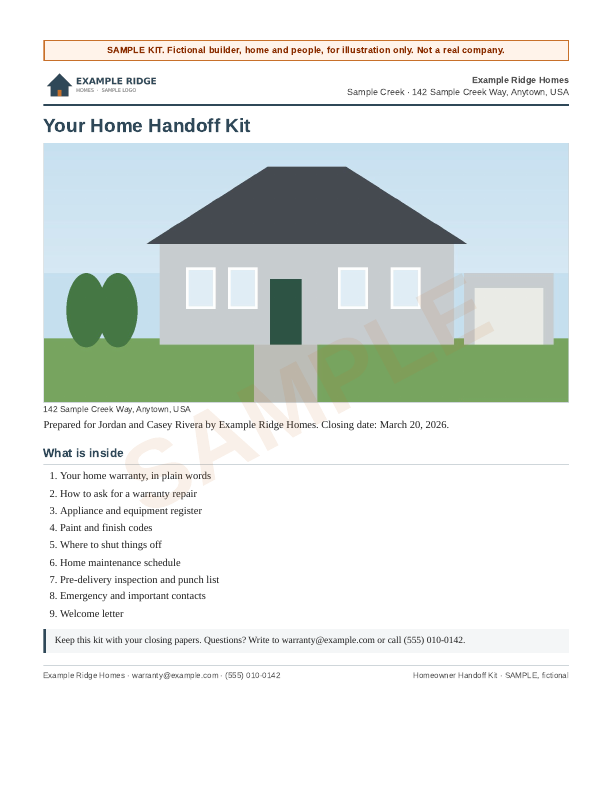
Your logo and a big photo of the home on the front.
A branded homeowner kit you set up once, then print or email for every home you build. Warranty, shutoffs, paint codes, contacts and more, all in one place. No app for your buyers, and no new software for your team.
Warranty papers, manuals and paint codes pulled from email, folders and the job trailer, right before the walkthrough.
Your team is busy, and new owners do not want another login. The tool ends up unused.
Where is the water shutoff? What is the wall color? Who do I call about the AC? The answers were somewhere.
Builder Handoff Kits puts every answer in one clean, branded kit. You set it up once. For each new home, you only add what is new.
Ten pages that answer the questions buyers ask most in their first year. Each one comes print-ready, as a Word file, and as plain text.
Your logo and a big photo of the home on the front.
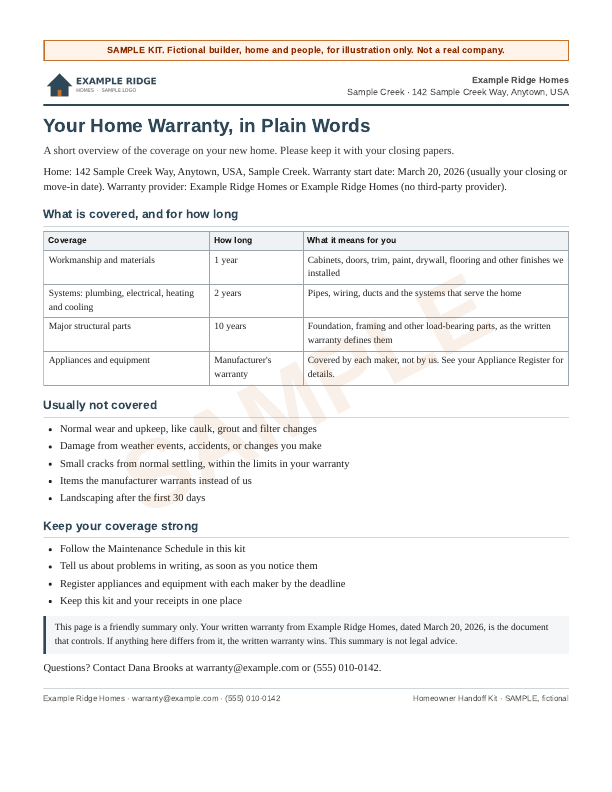
What is covered and for how long, in words buyers understand.
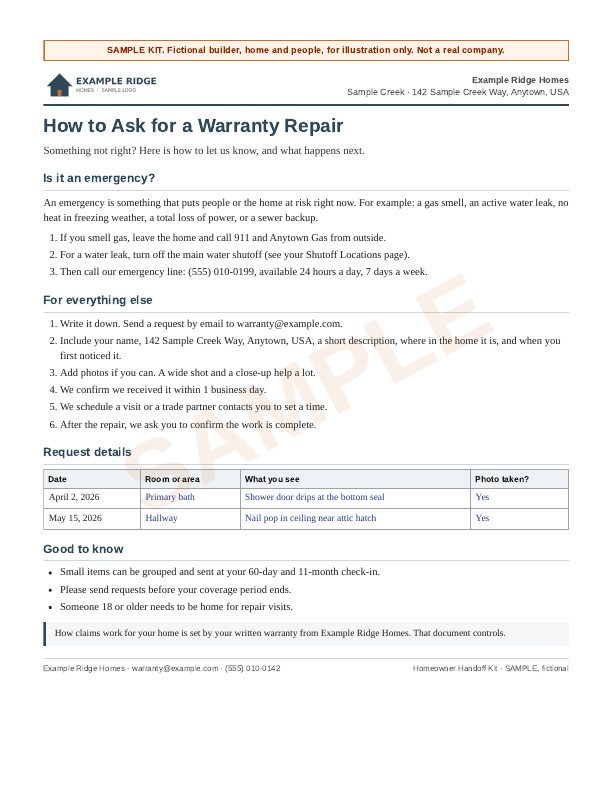
What counts as an emergency, and how to ask for everything else.
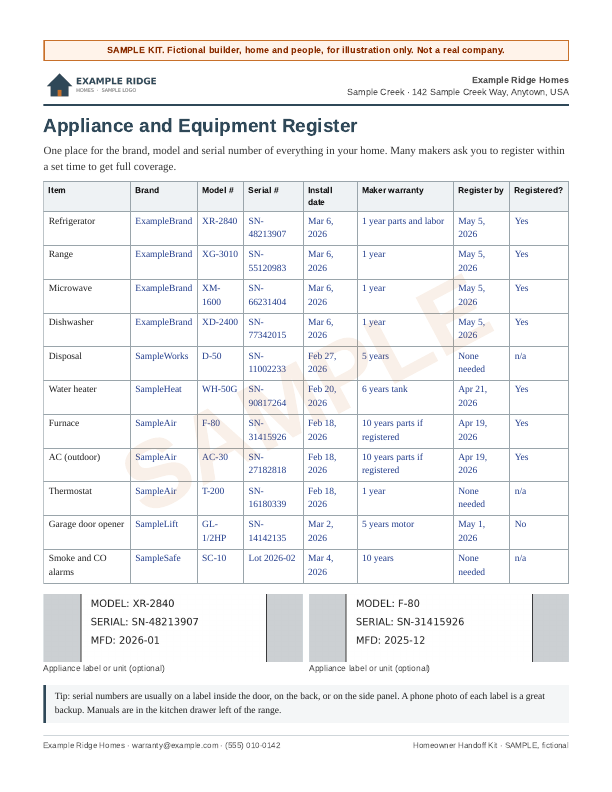
Model and serial numbers, install dates and registration deadlines.
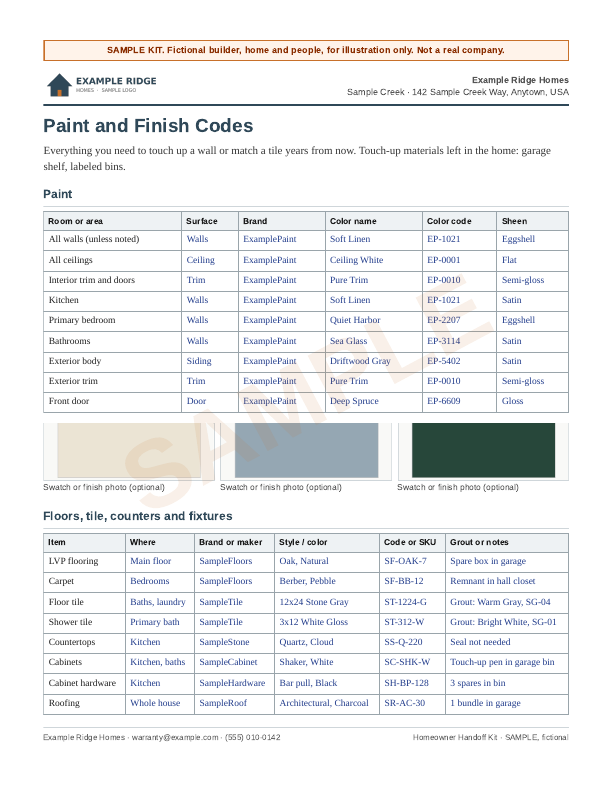
Every color, sheen, tile and grout, so touch-ups match.
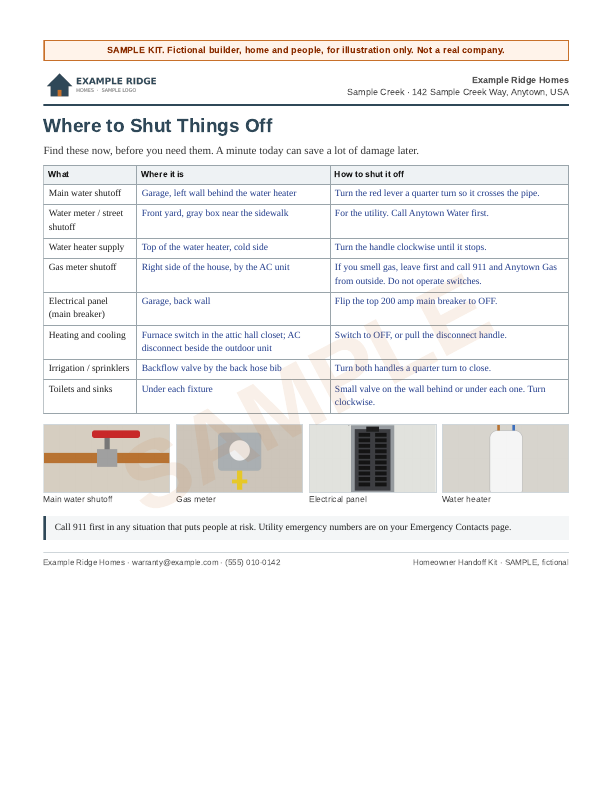
Water, gas, power and heat, with a photo of each spot.
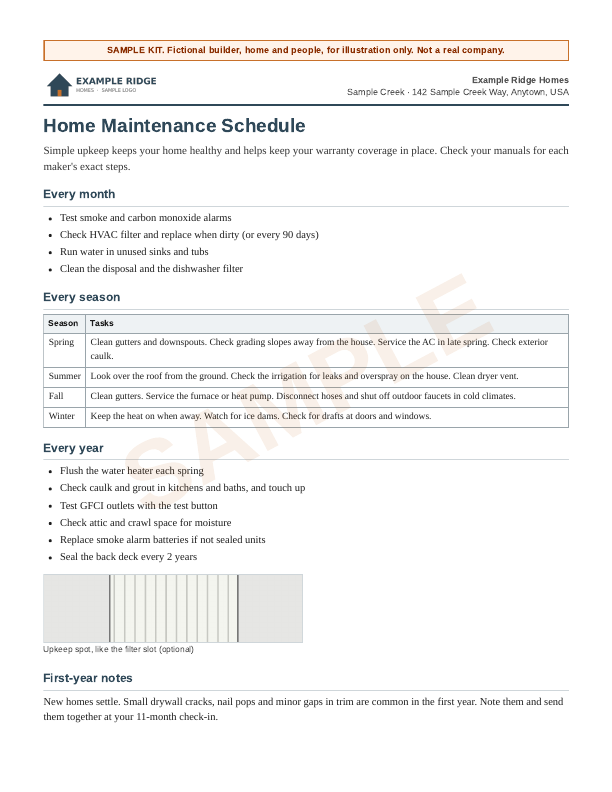
What to do each month, season and year, plus an upkeep log.
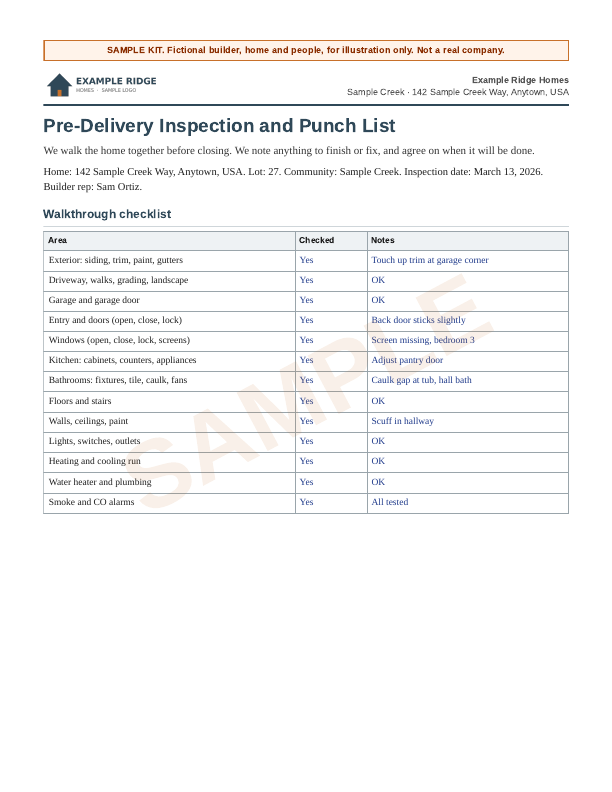
A room by room walkthrough with sign-off lines.
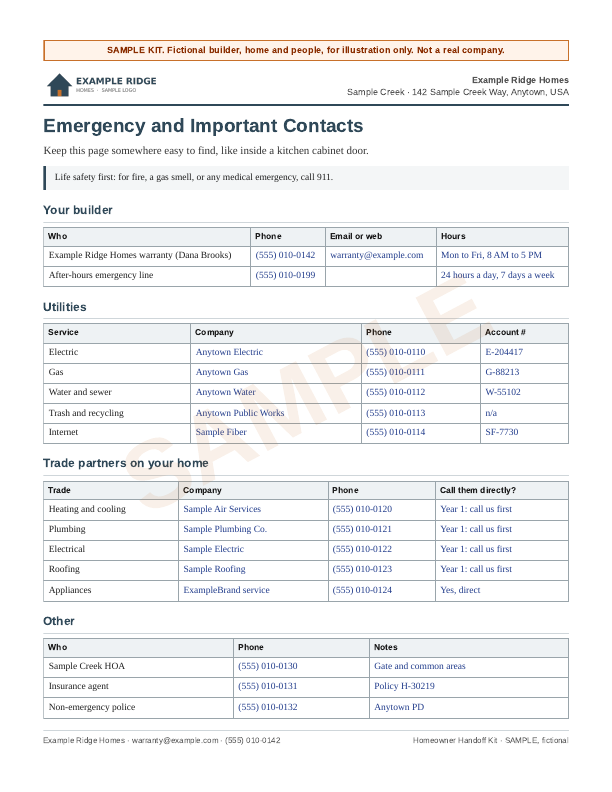
Your team, your trades and the utilities, on one page.
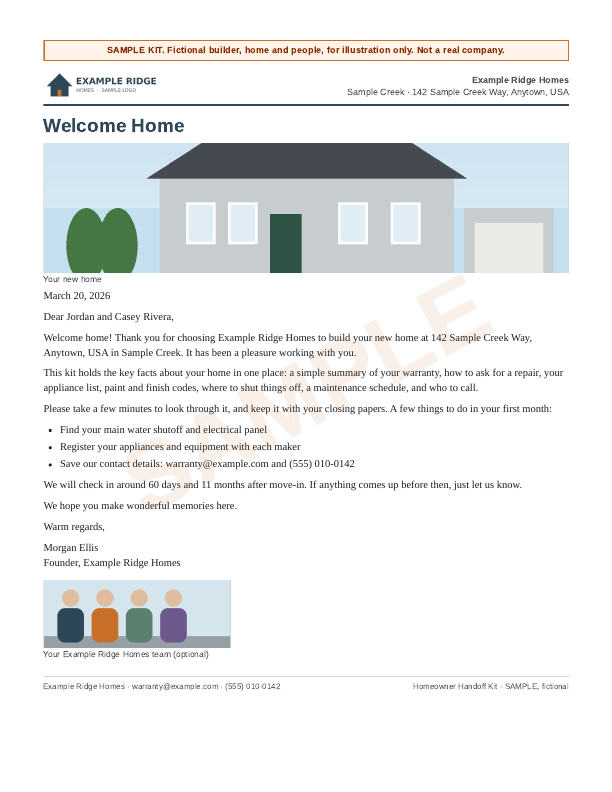
A short, warm note from you, with a photo of the home.
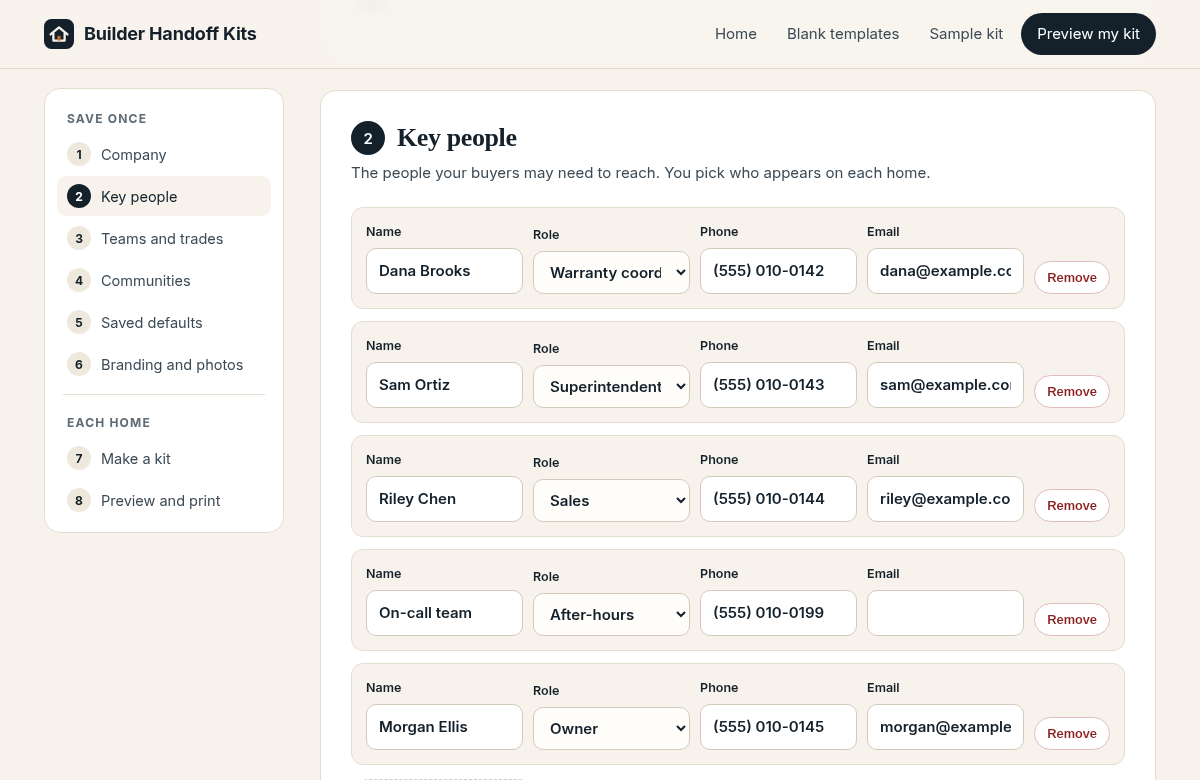
Your logo, team, trade partners, communities and warranty terms. You do this one time.
Pick the community and the people for this house. Add the buyer names, the address and a few photos.
Out comes a finished, branded kit. Hand it over at the walkthrough or send a PDF before closing.
Save it once and it fills in every kit after that.
Your details stay in your own browser. Nothing is uploaded.
Every page from a sample kit. Sample only: the builder, home and family are made up
Homeowner apps can do a lot. But many builders just need the handoff done well, without adding new software.
Congratulations on your new home. Your builder made your kit just for your house. Keep it with your closing papers, and for any warranty question, contact your builder directly using the details inside.
Plain guides on the pages new owners need, whether or not you use our kit.
Not yet. Ordering opens soon, and nothing on this site takes payment today. When ordering opens, payments will be handled by Stripe. You can look through the guides, the sample kit, the blank templates and the builder setup now.
No. They get printed pages or a PDF from you. That is the whole idea.
No. Save your company, people, trades, communities and warranty terms once in the builder setup. For each home you pick from your lists and add what is new.
Yes. Your logo goes at the top of every page. There is a large photo on the cover and the welcome letter, plus smaller spots for shutoffs, appliance labels, paint swatches, upkeep and punch list items. Empty photo spots do not print.
Only in your own web browser on your own computer. Nothing is uploaded or emailed. You can download a backup file and restore it later. A hosted version with saved accounts would come later, and only once it is approved.
No. It is a plain-words summary you fill in from your own written warranty, and it tells buyers that your written warranty is the document that controls.
A web browser to fill in and print the pages. There are also Word and plain text copies if you would rather edit there.
Yes. Every page is set up for US Letter. Most are one page; the upkeep log and punch list get a second sheet.
No. Example Ridge Homes and the home in the sample are made up, so you can see a finished kit without anyone's private details.
A printed, tabbed binder is planned for later. For now the kit is digital, so you can start with the printer and email you already use.
Browse the sample kit, or try the builder setup with our made-up builder. Ordering opens later.